

How to Maintain an SSD for Long Life
ทีมงานคอมดีทูยู · 3 May 2026 · 3 min read
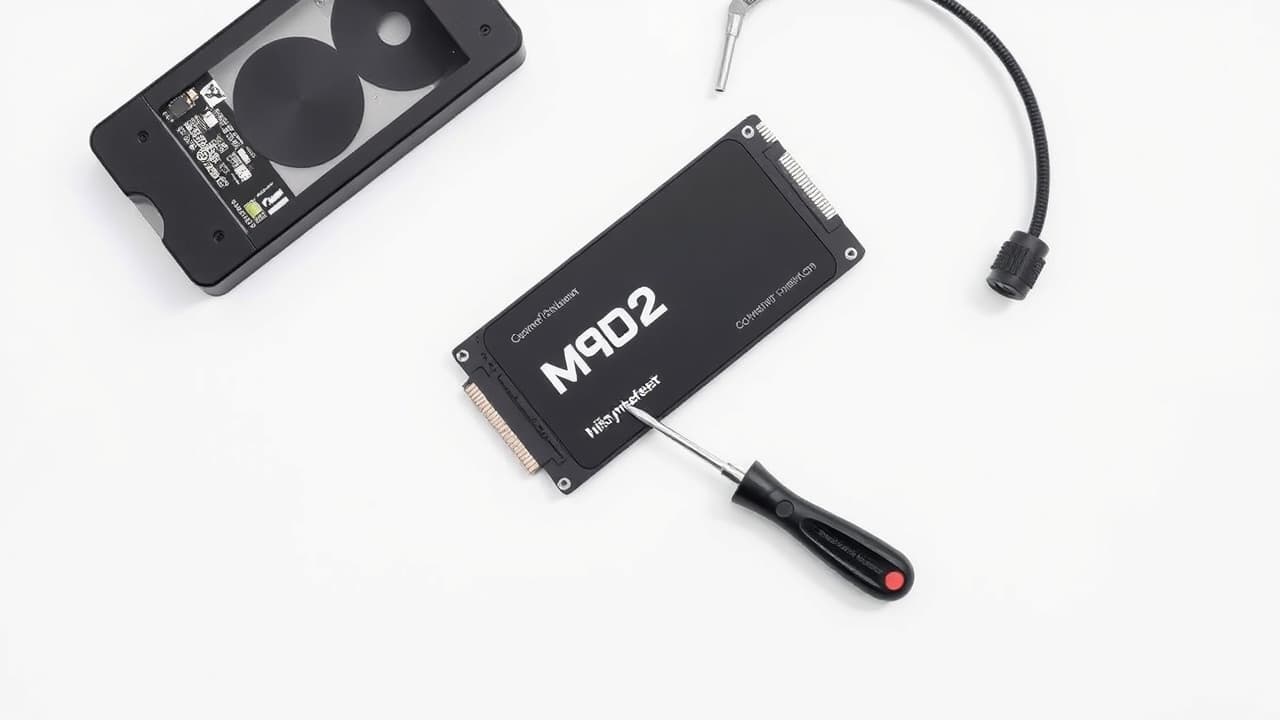
SSDs help your system and apps start quickly, but no method provides a warranty that every drive will last 5 years. Actual lifespan depends on model, write volume, heat, and usage. Always keep backups alongside drive care.
Back up first
Keep copies of important files on another device or backup service, and periodically test recovery. Don’t wait for health-check software to warn you — a drive can fail without prior signs.
Keep free space and manage unused files
Check remaining space regularly, move large files you don’t need stored on the drive, and use the system’s storage-management tools. Avoid deleting system files yourself or using tools from unknown sources.
Take care of cooling
Use a laptop on a hard surface that doesn’t block vents, and clean dust according to the manufacturer’s guidance. If the machine overheats or shuts down, have a technician inspect it before further use. Check warranty terms before opening the device or replacing parts yourself.
Use built-in and manufacturer tools
Let the operating system manage drive optimizations according to device type. You don’t need to run repeated HDD-style defragmenting with other programs. If you need to update SSD firmware, use the manufacturer’s tool for the exact model, back up first, and ensure continuous power during the update.
Check health when you see problems
If files open slowly, you get errors, or the drive disappears from the system, back up any accessible data and have a technician check it. Health values from tools are only an assessment aid, not a warranty of remaining life.
Need advice on drives or upgrades? Contact Comdee2you team and include your device model and the issues you’re seeing.