

Core i5 vs i7: What's the difference and which should you choose?
ทีมงานคอมดีทูยู · 8 May 2026 · 4 min read
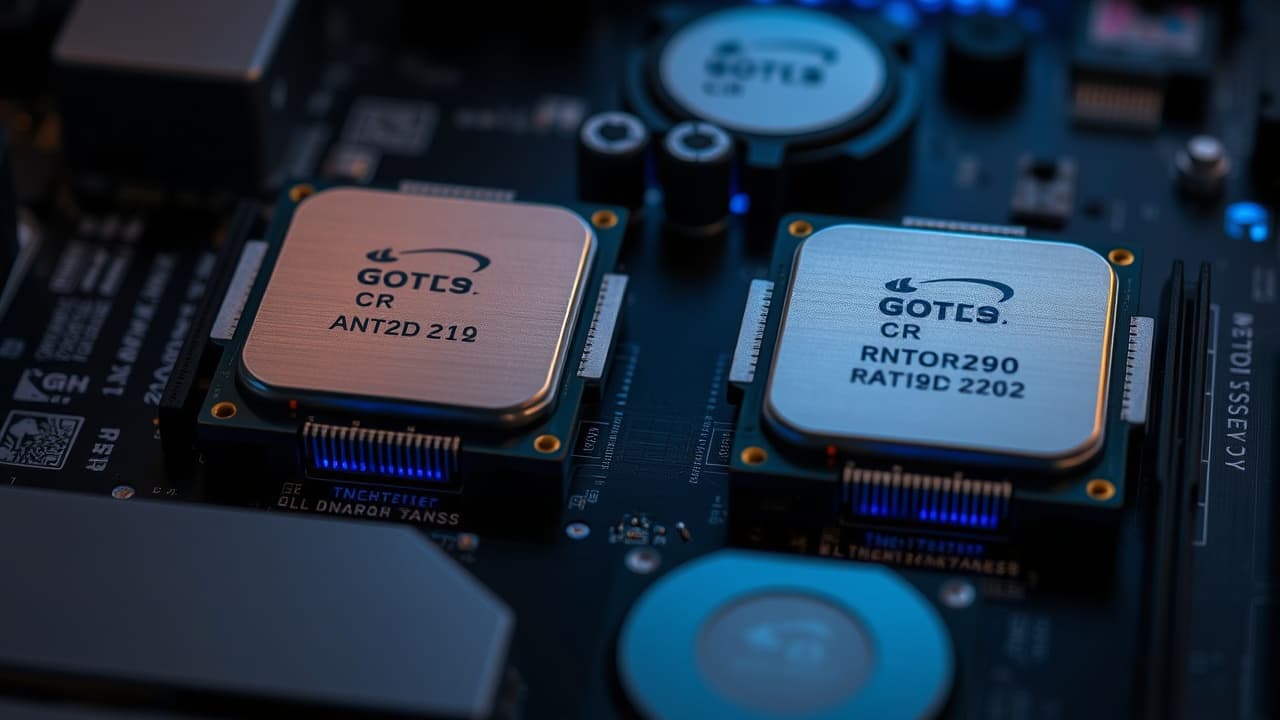
The names Core i5 or Core i7 alone aren't enough to decide which laptop is better. You should check the full CPU model, the platform's age, and the device condition along with the work you'll do.
Look at the full model before the i5 or i7 label
Each family includes many variants for different uses. Note the full CPU name from the system page, then check that model's specs with the manufacturer. Different models or generations can differ significantly, so don't assume every i7 is faster than every i5.
Document work, studying, and online meetings
Start with software compatibility, RAM amount, SSD capacity, camera quality, and battery. Try loading the real tasks you use. If everything runs smoothly, a well-conditioned i5 may meet your needs better for the budget than paying extra just for an i7 name.
Video editing, design, and running multiple apps
Check the software requirements and consider CPU, RAM, graphics card, and cooling. If possible, test with files similar in size to your real projects. Sustained performance under load matters more than the model name alone.
Buying a used machine: check the condition
- Verify the model and specs on the actual device match the listing
- Run it continuously to check temperatures, fan noise, and unexpected shutdowns
- Check battery capacity, screen, keyboard, and the ports you need
- Compare prices including accessories and warranty terms
Choose a model that handles your work within your budget and has clear after-sales service. If you're unsure, contact our team with the software you use and your budget, or compare products we have available